








A Beginner’s Guide to the Tor Browser: What It Is and How to Install It
If you’re new to online privacy, you may have heard of the Tor Browser and wondered what it is or how to use it. While it can sound technical at first, installing and using Tor is actually quite simple — even for beginners.
This guide explains what the Tor Browser does and walks you through how to install it step by step.
What Is the Tor Browser?
The Tor Browser is a free web browser that helps protect your privacy online. When you browse the internet normally, websites can often see your location and track your activity. Tor helps prevent this by hiding your IP address and routing your connection through several servers around the world.
People use Tor to:
- Improve online privacy
- Reduce tracking
- Access information more safely
Tor is legal in many countries, but laws vary, so it’s important to follow local regulations.
What You’ll Need Before Installing Tor
Before you begin, make sure you have:
- A computer (Windows, macOS, or Linux)
- A working internet connection
- Permission to install software on your device
No technical experience is required.
Step 1: Visit the Official Tor Website
To stay safe, Tor should only be downloaded from its official source.
- Open your regular web browser
- Type https://www.torproject.org into the address bar
Downloading from the official website helps avoid fake or unsafe versions of the browser.
Step 2: Download the Tor Browser
Once you’re on the Tor Project website:
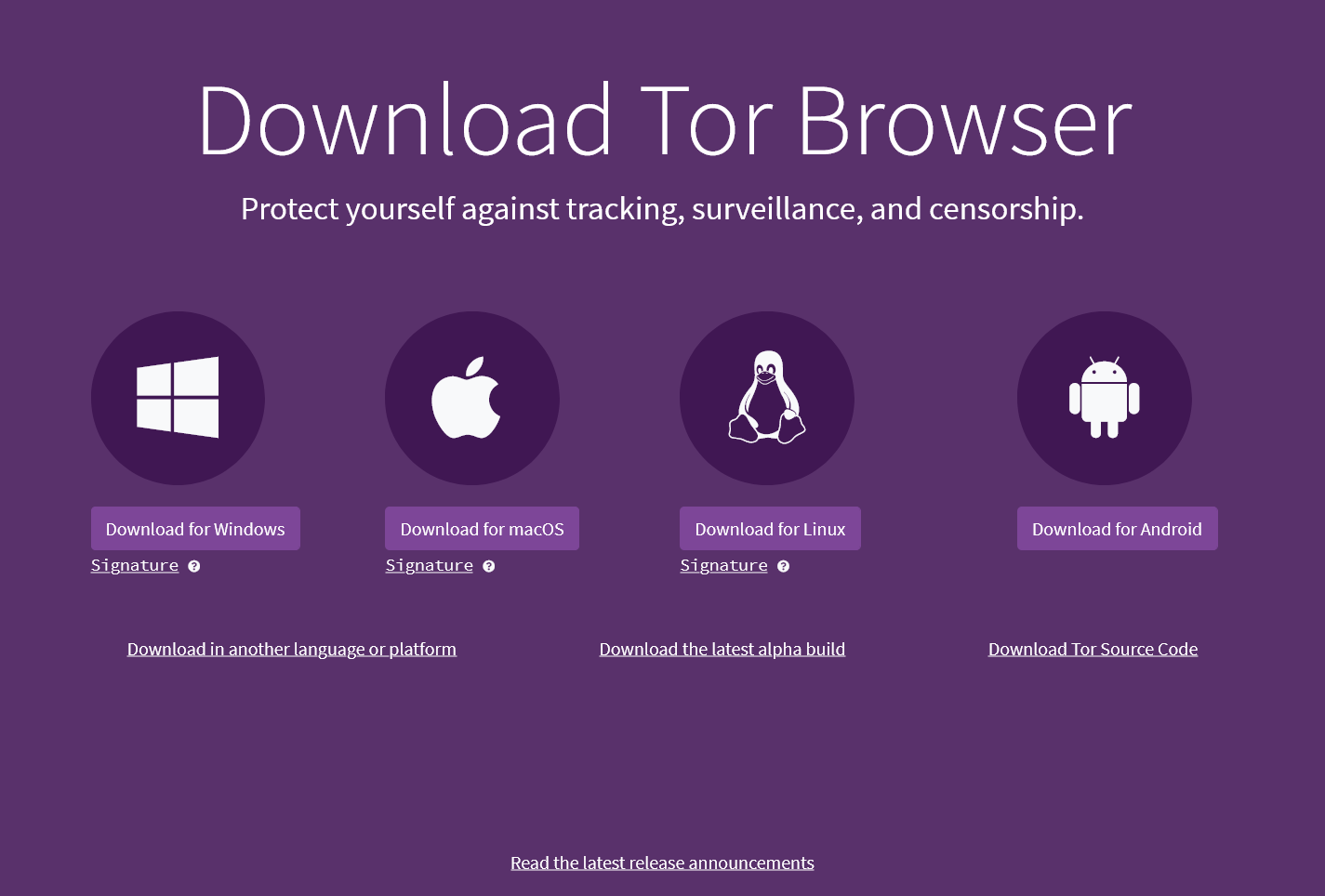
- Click “Download Tor Browser”
- Select the version for your operating system (Windows, macOS, or Linux)
- Wait for the download to complete
The file should only take a few minutes to download.
Step 3: Install the Tor Browser
On Windows
- Open the downloaded file
- Choose your language
- Click Install and wait for it to finish
On macOS
- Open the downloaded file
- Drag the Tor Browser icon into your Applications folder
- Open Applications and double-click Tor Browser
On Linux
- Extract the downloaded file
- Open the extracted folder
- Double-click Start Tor Browser
Step 4: Connect to the Tor Network
When you open Tor Browser for the first time:
- A connection screen will appear
- Click “Connect”
- Wait while the browser connects to the Tor network
Once connected, the browser will open automatically.
Step 5: Browsing with Tor (Beginner Tips)
Using Tor feels similar to using any other browser, but there are a few important tips for beginners:
- Avoid logging into personal accounts
- Do not install extra browser extensions
- Keep the browser updated
- Expect slower speeds — this is normal with Tor
These habits help protect your privacy while browsing.
Common Questions About Tor
Is Tor completely anonymous?
Tor greatly improves privacy, but no tool can guarantee complete anonymity. Your behavior online still matters.
Why does Tor feel slower?
Because your traffic passes through multiple servers, Tor is usually slower than regular browsers.
Can I use Tor on my phone?
Yes. Tor Browser is available for Android, and iPhone users.
The Tor Browser is a powerful tool for anyone interested in improving their online privacy. Despite its reputation for being complex, it’s easy to install and use — even for beginners. By following the steps above, you can get started safely and confidently.
Discover additional reports, market trends, crime analysis and Harm Reduction articles on DarkDotWeb to stay informed about the latest dark web operations.